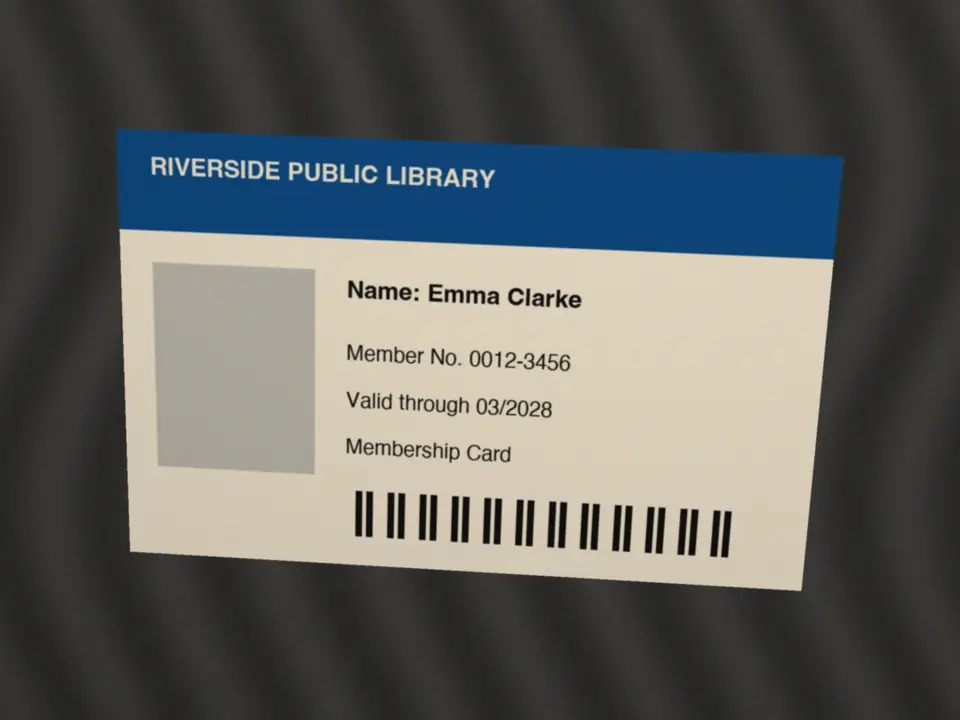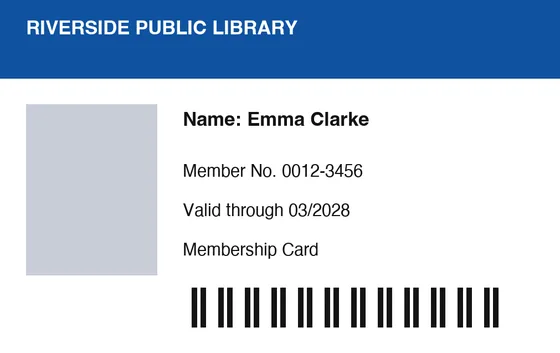
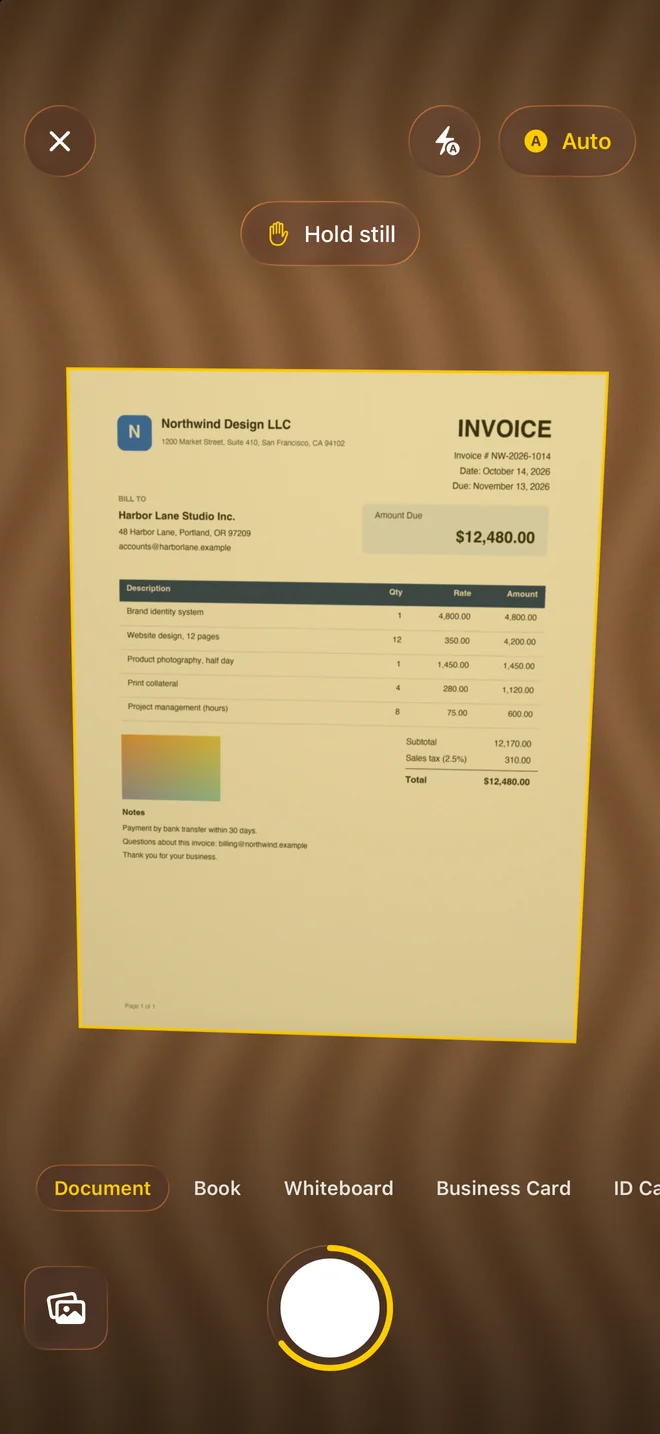
Point at the page
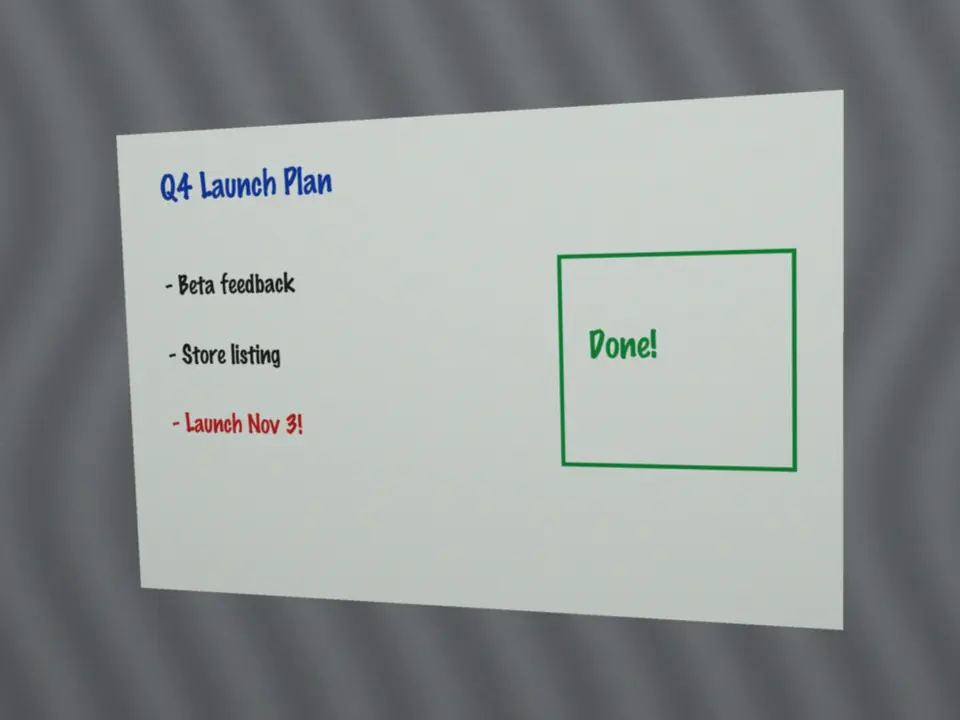
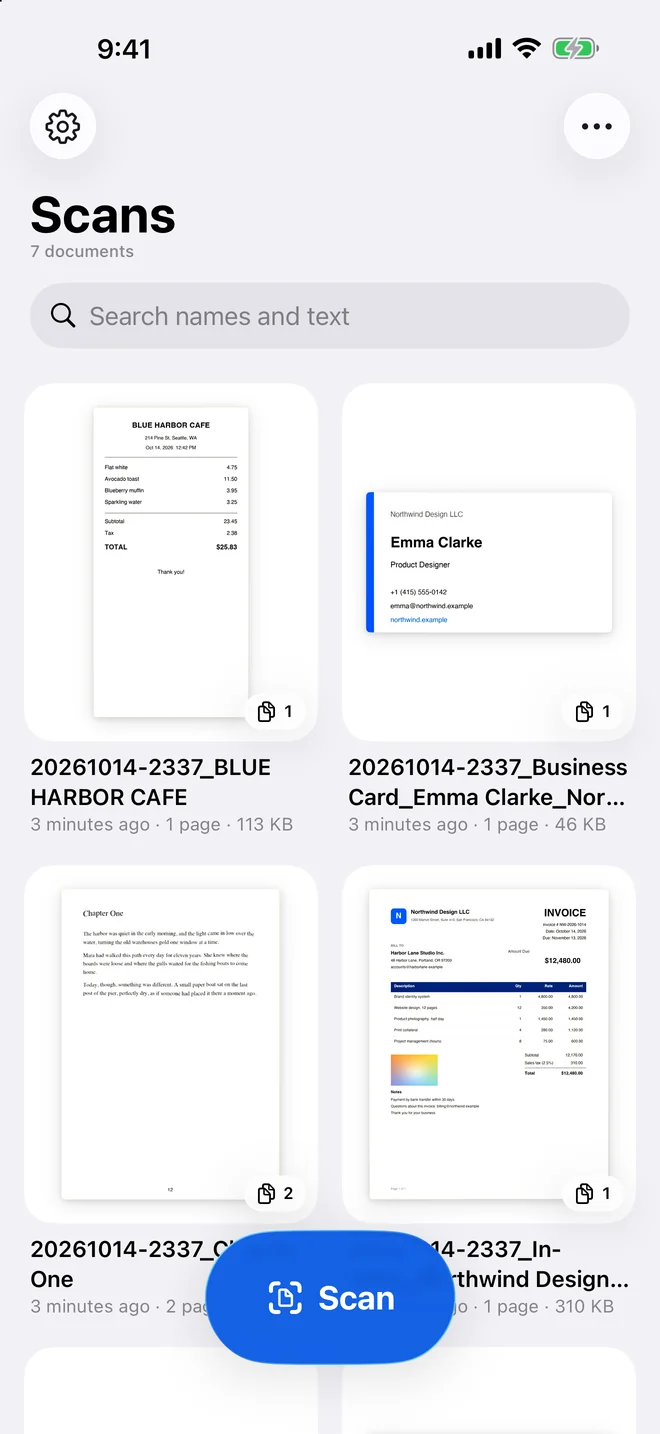
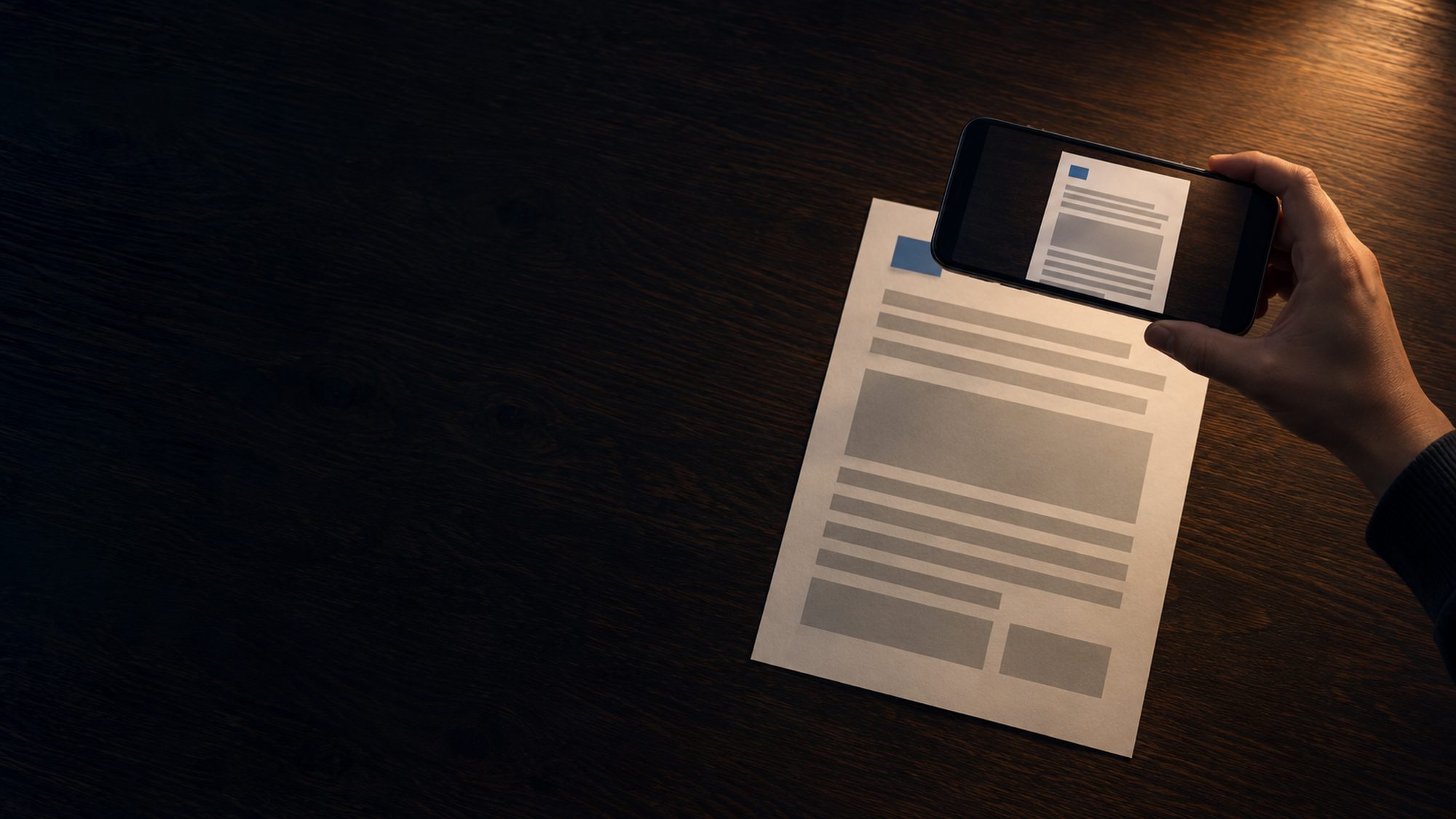
Tap the blue Scan button at the bottom of the library and hold the camera over the page. Bonito Scan outlines it and takes the picture by itself once the page has been steady for about a second.
Document scanner for iPhone and iPad
Paper in. A clean, searchable PDF out.
Hold your iPhone or iPad over a page. Bonito Scan finds the edges, takes the shot once the page is steady, removes the shadows and reads the text, all on the device. You don’t need an account, there are no ads, and nothing is uploaded.
Coming soon to the App Store
See how it works ↓30 days free with every feature, then $7 a year, 64% less than Adobe Scan Plus.1
Concept
Receipts, contracts, letters from school, ID cards: the papers most worth scanning are often the ones you would rather not upload anywhere. Bonito Scan does the whole job on your iPhone or iPad: it finds the page, cleans it up, reads the text and saves a small PDF. There is no account to create and no server to send anything to.
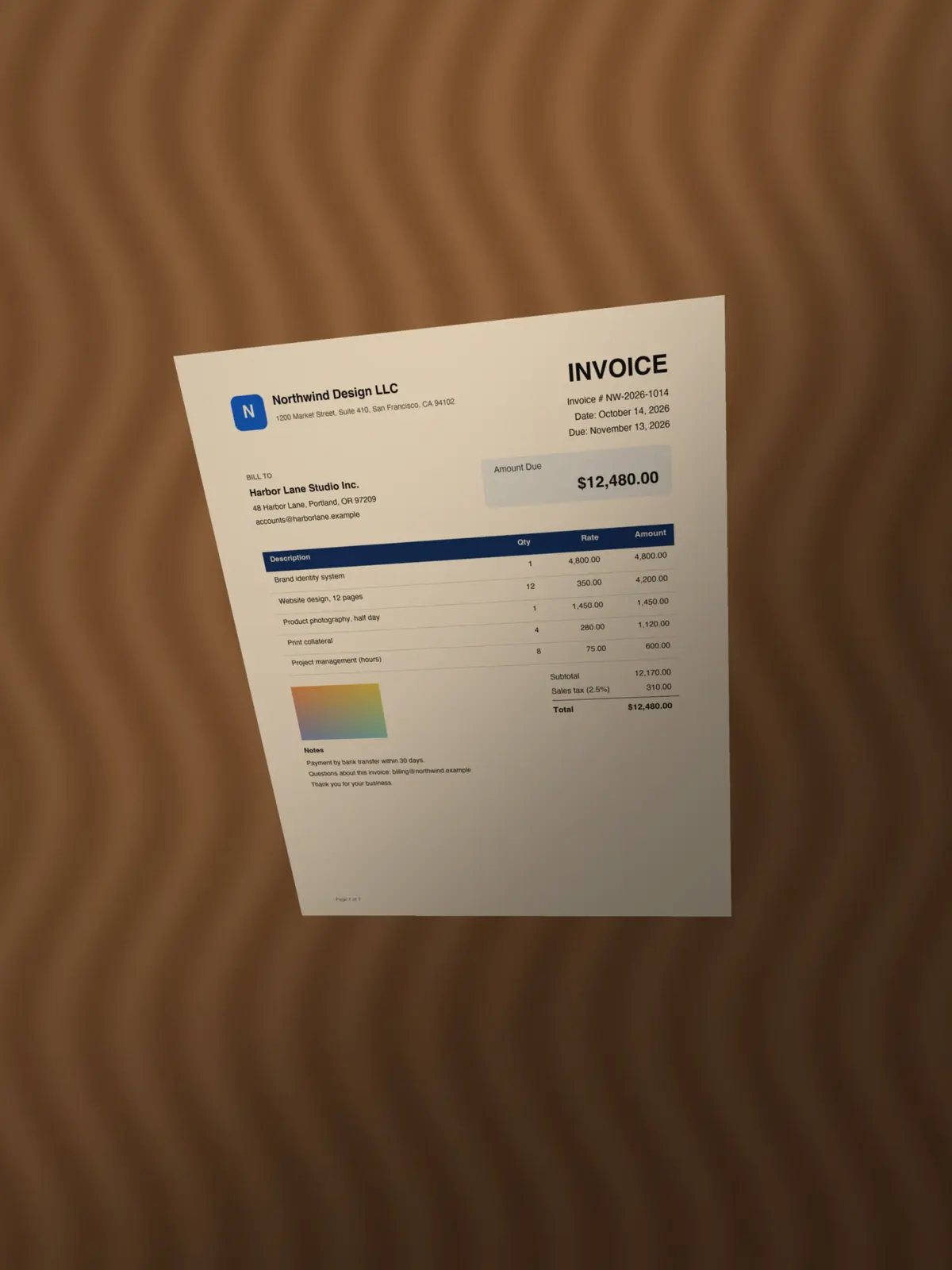
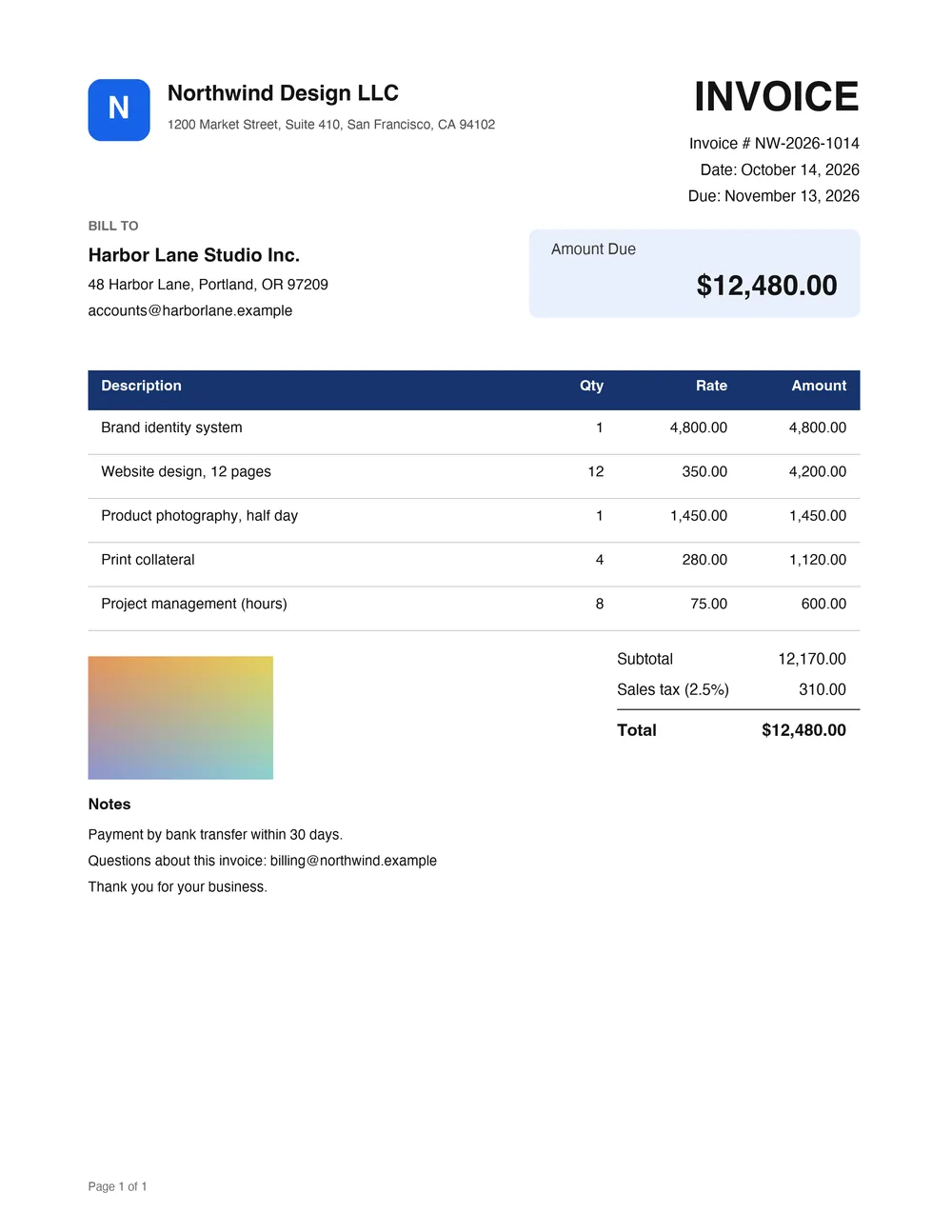
The scan
Before
After
20261014-2209_Invoice_Northwind Design LLC_$12,480.00.pdfThree steps
Tap the blue Scan button at the bottom of the library and hold the camera over the page. Bonito Scan outlines it and takes the picture by itself once the page has been steady for about a second.
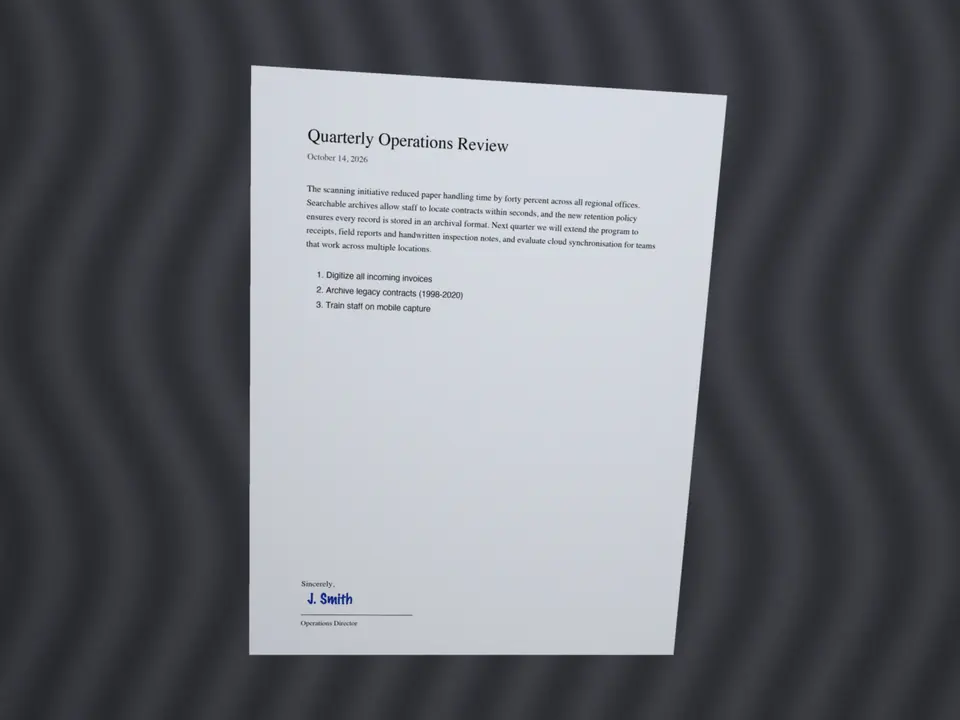
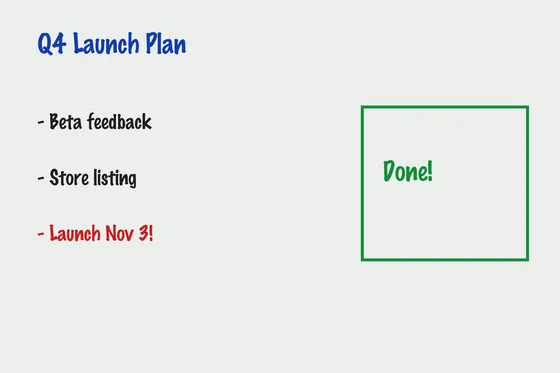
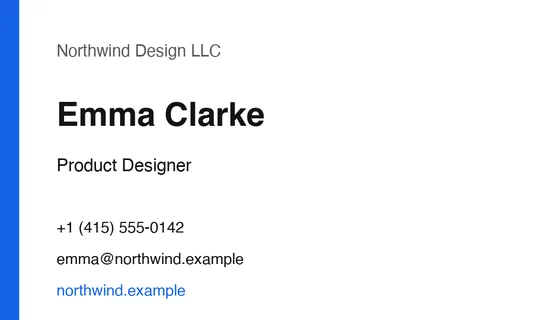
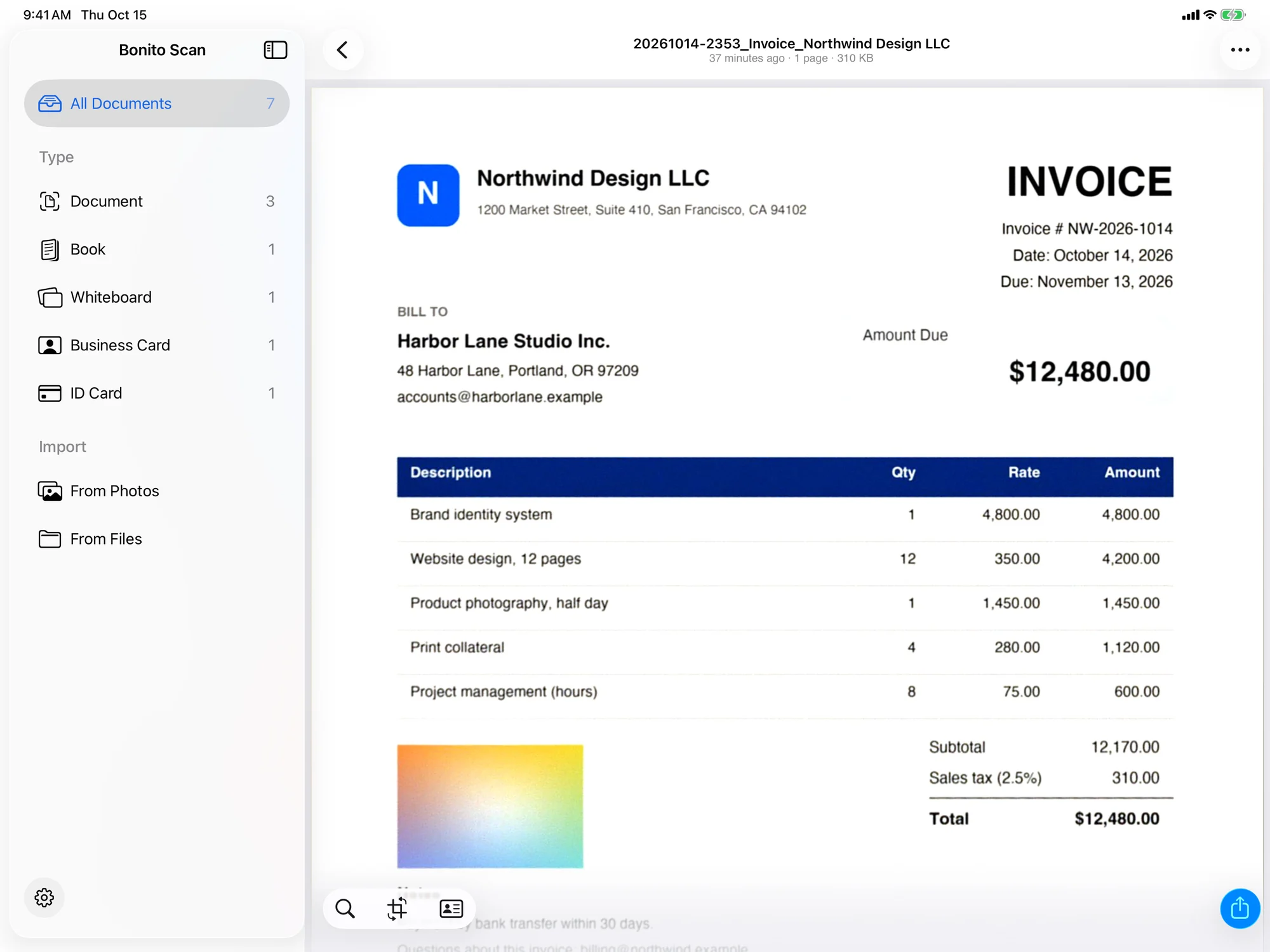
The page comes out flat, square and free of shadows. Change the filter, crop, rotate or reorder pages if you like.
Save a searchable PDF to the Files app, then send it straight away with AirDrop or the share sheet.
Capture
Page detection runs live, with Apple Vision and Bonito Scan's own contour detector working together. Each corner is placed to within a fraction of a pixel and the page's real proportions are worked out, so a page shot at an angle still comes out the right shape. When the page has been steady for about 0.9 seconds, it takes the picture by itself, and it will not shoot the same sheet twice.
Modes
Cleanup
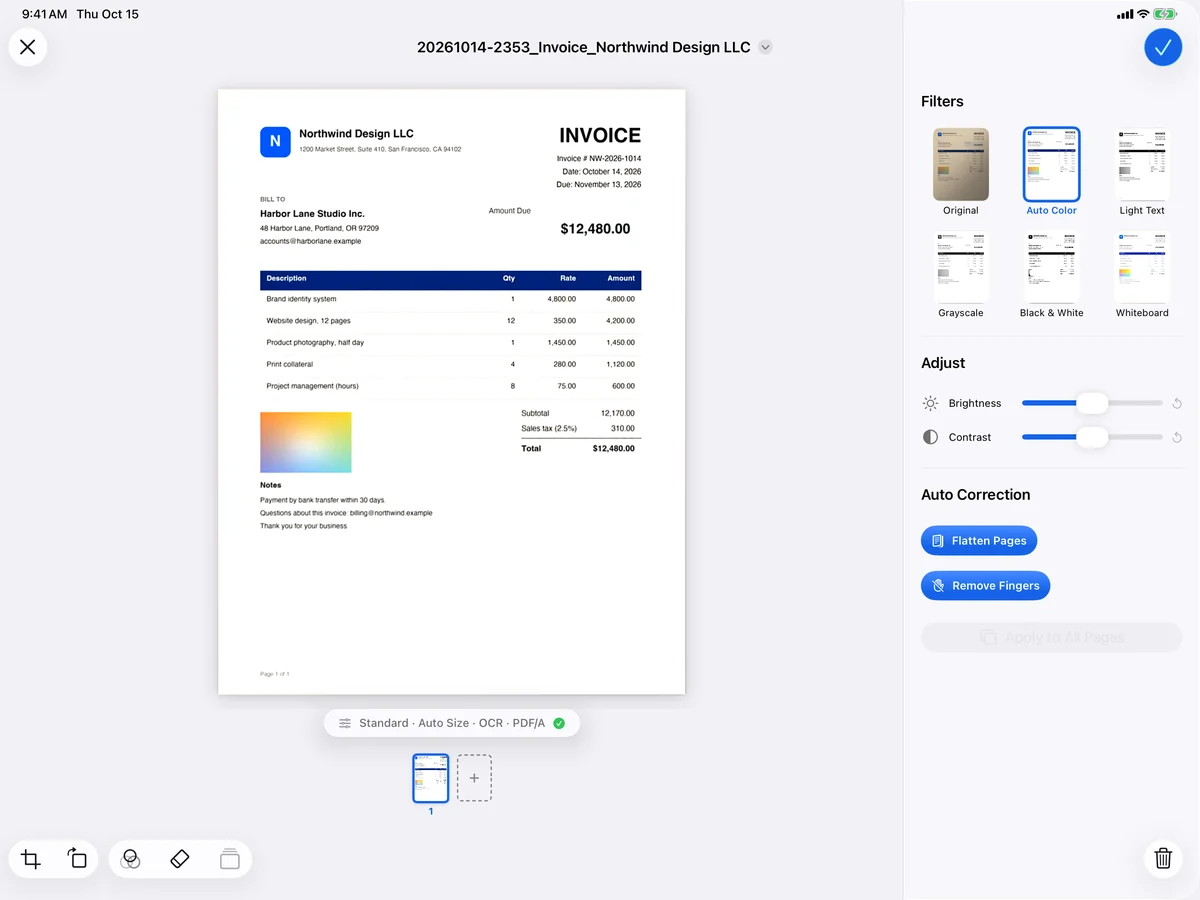
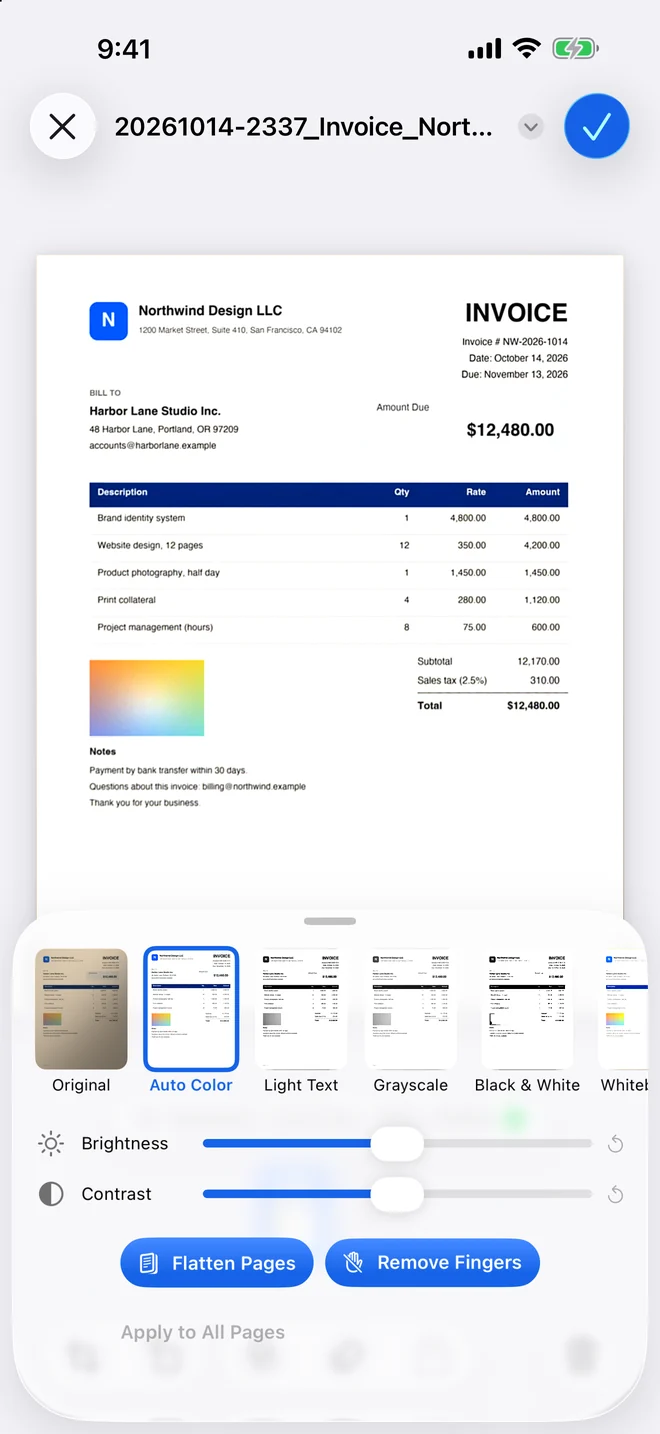
Bonito Scan evens out the light across the page and removes shadows, then lets you choose the look. Your original photos are kept, so any edit can be changed again later.
Text recognition
Bonito Scan reads the text on the page with Apple's on-device text recognition and lays it invisibly under the image, so you can search the PDF and copy from it. That works in Bonito Scan, in the Files app and in other PDF apps.
Japanese, English, French, Spanish, Chinese and Korean documents, and pages that mix Japanese and English. It starts with your device's language.
Full-text search across every document, with the matching passages shown. Inside a PDF, find takes you from match to match.
Pages are rotated automatically according to the direction of the text.
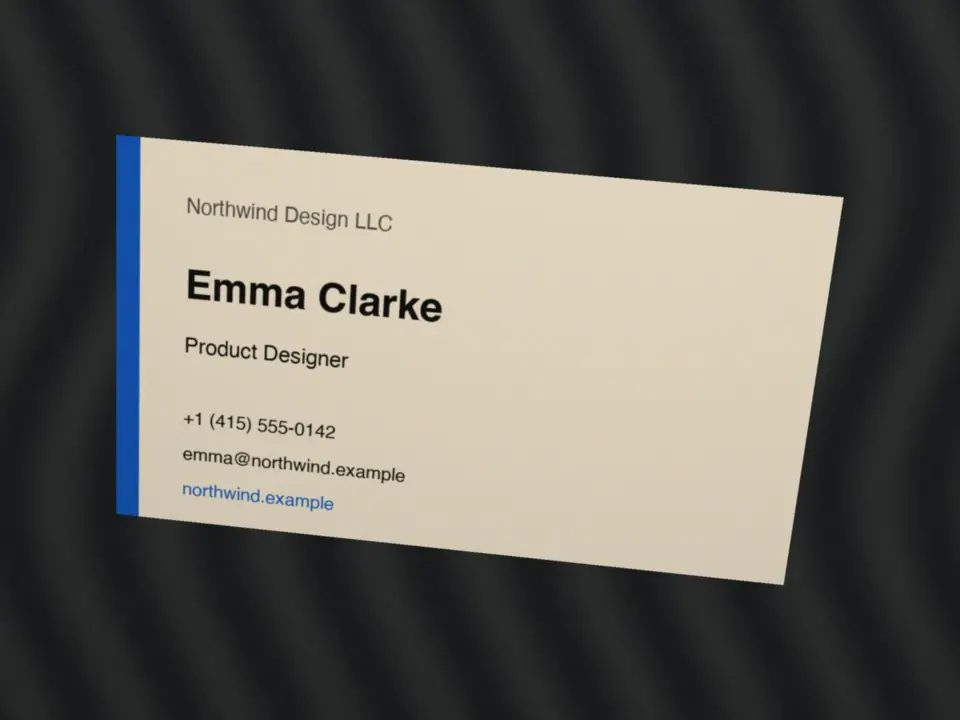
Files are named by date, time and content. Invoices, quotes and receipts in Japanese, English, French, Spanish or Korean get the type, the other party and the amount; business cards get the name and the company.
For example 20261014-2209_Invoice_Northwind Design LLC_$12,480.00.pdf
Email addresses, phone numbers, web addresses and postal addresses in a document become one-tap actions. A business card can become a new contact once you have checked it.
Text recognition runs on your iPhone or iPad. No text and no image is sent to a server.
PDF output
PDFs are saved in PDF/A-2b structure, made for long-term archiving (you can turn it off). And they stay small.
300, 240 or 170 ppi.
Share a copy protected with a password (AES encryption).
Export pages as 300 dpi JPEG images.
Your PDFs are ordinary files in the Files app, under On My iPhone (or On My iPad) › Bonito Scan.
Sharing, iPad and more
AirDrop and the share sheet open right after saving. From the library, swipe or long-press a document, or select several at once. On iPad, drag a document into Mail, Files or Notes.

A sidebar library, the filter panel beside the page, a page thumbnail rail and the menu bar. The camera works in Split View and Stage Manager where the iPad supports it.
Open a document in its own window, next to another one.
⌘N for a new scan, ⌘S to save, ⌘F to find, and more.
Edge to edge on both displays, with the controls kept clear of the fold.
Say “Scan with Bonito Scan”, or open your latest scan.
Select several documents in the library and share them together.
Privacy
There is nothing to sign up for and nothing to sign in to.
Scanning, text recognition and PDF creation make no network connection. Images and documents stay on your iPhone or iPad.
There is no advertising or analytics software in the app. Its App Store privacy label: Data Not Collected.
The camera, Photos and Contacts are used only when you use the feature that needs them. Your data stays on the device and is deleted with the app.
No catches
If you have tried a few scanner apps, you have probably met some of these. Bonito Scan leaves them out.
Open the app and scan. There is no sign-up and no sign-in.
Nothing pops up between scans, and nothing is stamped on your pages.
Your pages are scanned, read and saved on your iPhone or iPad, not on someone else’s server.
Every page is read, however many you scan.
Files are named after what is on the page, so you can find them again.
If you stop paying, you can still open, search, share and export everything you have scanned.
Compared with Adobe Scan
Adobe Scan is the scanner app many people already know, so here is how the two compare. Adobe’s details come from its App Store listing and its own help pages.
| Feature | Bonito Scan | Adobe Scan1 |
|---|---|---|
| Price | $7 a year for Pro, after a 30-day free trial | Adobe Scan Plus: $19.99 a year |
| Account | Not needed, and nothing is uploaded | Adobe ID required; scans are saved to Adobe Document Cloud |
| Text recognition (OCR) | Every page, no page limit | Limited on the free plan; Premium raises it to 100 pages |
| Finger removal | Included | Premium (Magic Eraser) |
| Password-protected PDFs | Included | Premium |
| PDF compression | Included | Premium |
| File names | Date and what is on the page | “Adobe Scan” and the date |
| Size of a colour A4 page | About 0.2 to 0.35 MB | About 2 MB, as users report |
| PDF/A for archiving | PDF/A-2b | Not supported, as users report |
| Export to Word, Excel or PowerPoint, and editing text in scans | Not available | Premium |
| Cloud sync | Not available: your files stay on your device | Adobe Document Cloud |
1. Adobe Scan details: Adobe Scan for iOS 26.09.29, checked on 15 October 2026. The price row compares the yearly Adobe Scan Plus plan, as listed on the App Store (United States), with Bonito Scan Pro at its price for the same App Store. Most other paid Adobe features are in Adobe Scan Premium, a monthly plan. File size and PDF/A support are as reported by users. Sources: Adobe Scan on the App Store (United States), Adobe Scan help (subscriptions, settings) and Adobe Community. Bonito Scan is not affiliated with Adobe.
Pricing
Bonito Scan starts with a 30-day free trial, with no sign-up and no payment details. After that, a subscription keeps you scanning, and the documents you already have stay free to use.
From your first download
30 days
Annual subscription
$7 / year
Per year, after the 30-day free trial, in your country’s App Store currency. The App Store shows the final price before you subscribe. Payment is handled by Apple; cancel any time in Settings › Apple Account › Subscriptions.
Viewing, searching, sharing and exporting the documents you already have.
Coming soon to the App Store
Questions in the meantime? Get in touch →Supported environment
iOS 18.0 or later
iPhone XS, iPhone XR and later, and iPhone Duo
iPadOS 18.0 or later
iPad (7th generation) and later
Used for scanning
Or import images from Photos (up to 50 at a time) or from Files
Live page detection and auto capture
Document, Book, Whiteboard, Business Card and ID Card modes
Paper sizes: A4, Letter, Legal, business card (91 × 55 mm / 3.5 × 2 in), ID-1 card
Flash · tap to focus · volume buttons and Camera Control
Removes shadows and uneven lighting
Original, Auto Color, Light Text, Grayscale, Black & White (photos dithered), Whiteboard
Brightness and contrast · finger removal · eraser · crop · rotate · reorder
On the device, with Apple Vision
Japanese, English, French, Spanish, Chinese and Korean; Japanese and English mixed
Invisible text layer: searchable PDFs, copyable text
PDF/A-2b structure (can be turned off)
300, 240 or 170 ppi · High compression (MRC, ITU-T T.44)
Password-protected copy (AES) · pages as 300 dpi JPEG
Saved in the Files app: On My iPhone / On My iPad › Bonito Scan
Named by date, time and content
Japanese, English, French, Spanish and Korean
No account, no analytics, no ads, no tracking
No network connection for scanning, text recognition or PDF creation
App Store privacy label: Data Not Collected
30-day free trial with every feature, from the first download
Bonito Scan Pro: annual subscription, $7 a year after the trial (the App Store shows the final price)
Free without a subscription: view, search, share and export existing documents
Coming soon to the App Store
Questions
Support
A question about Bonito Scan, or something you would like it to do? Write to us. We read everything.
Or write directly to support@searedbonito.com