Nine clubs, two standards
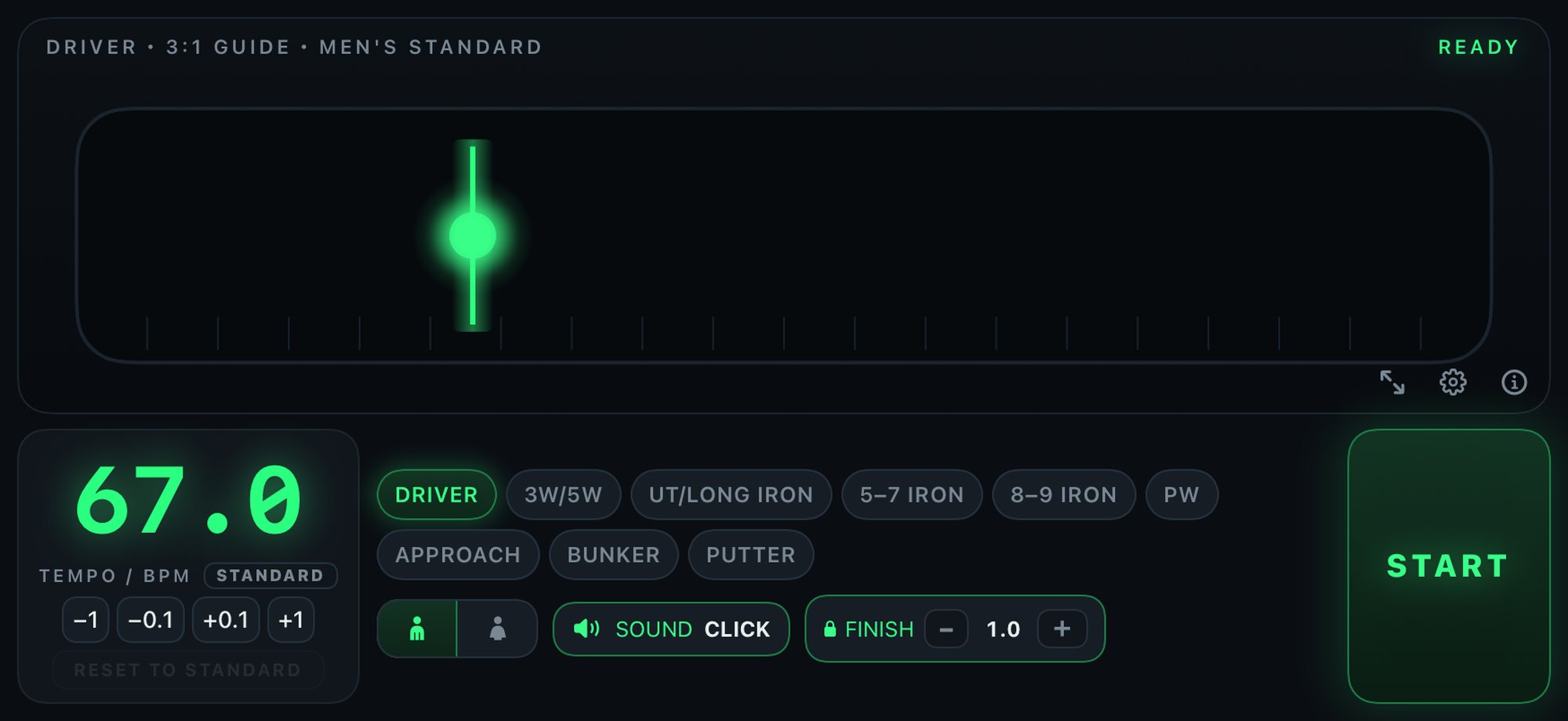
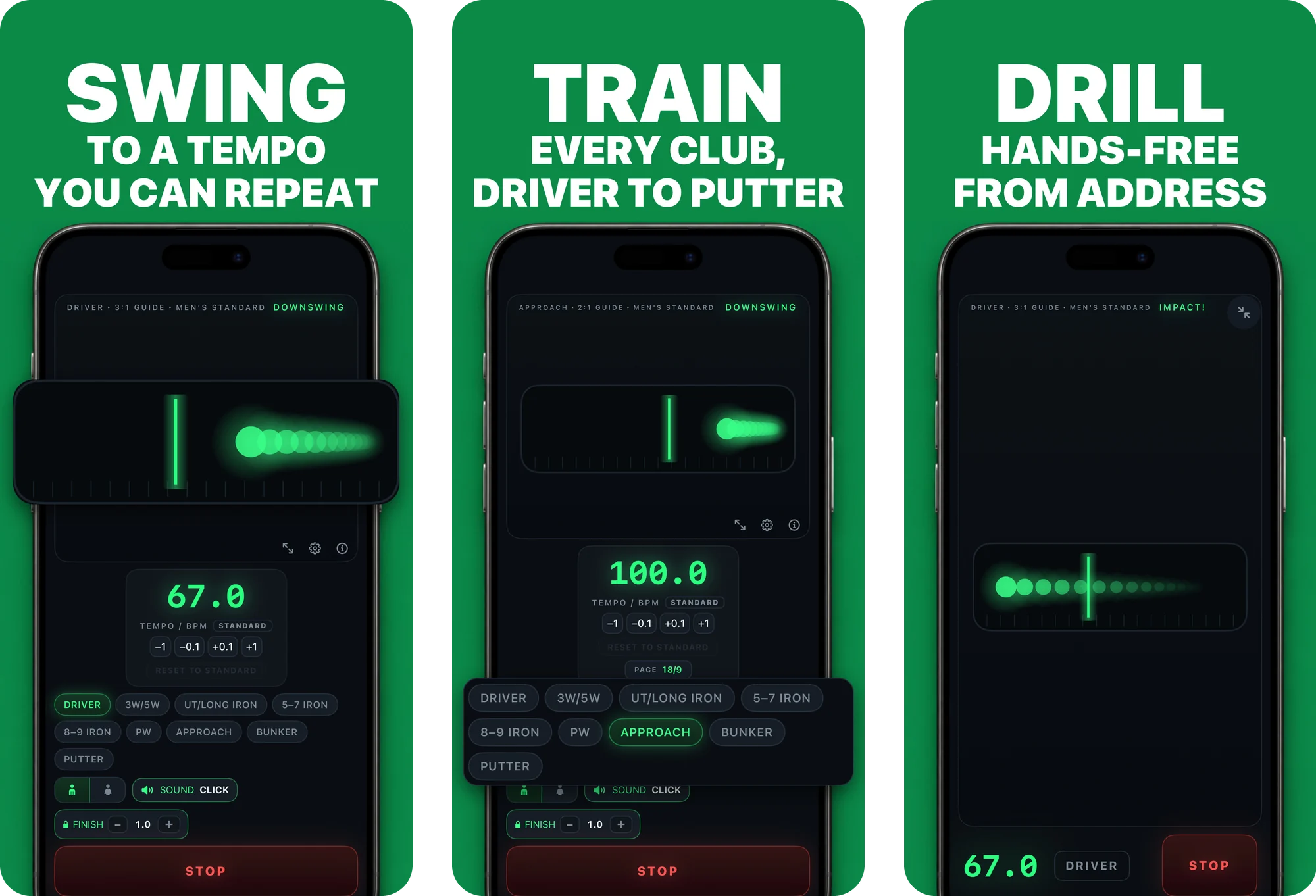
Presets from driver to putter, with men's and women's standard tempos. Approach and bunker shots offer five short-game paces.


For iPhone and iPad
Tempo, not speed.
A moving light, three counts and a pulse you can feel. Build a swing tempo you can repeat — on the range, at home, anywhere.
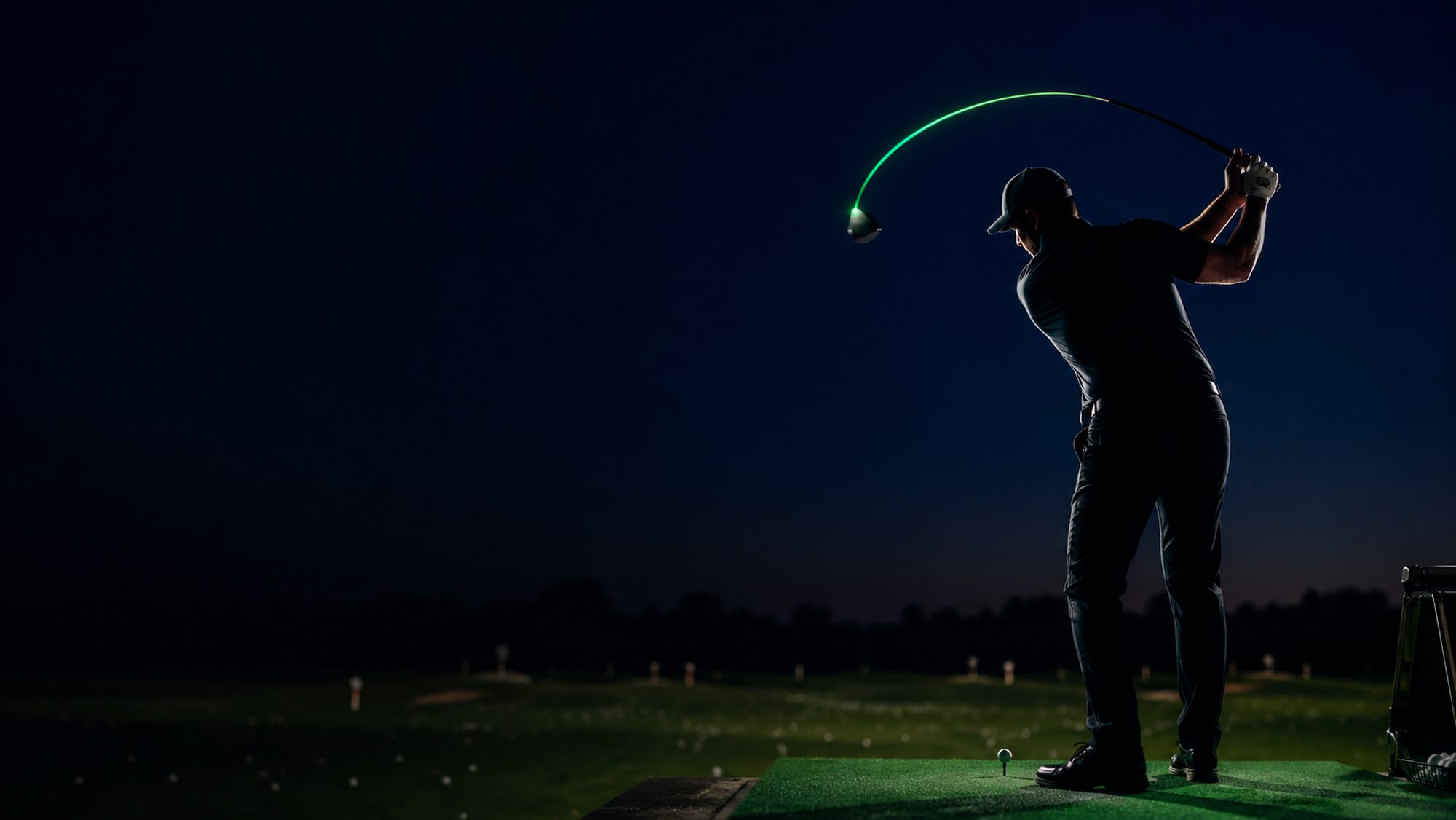
The swing, in light
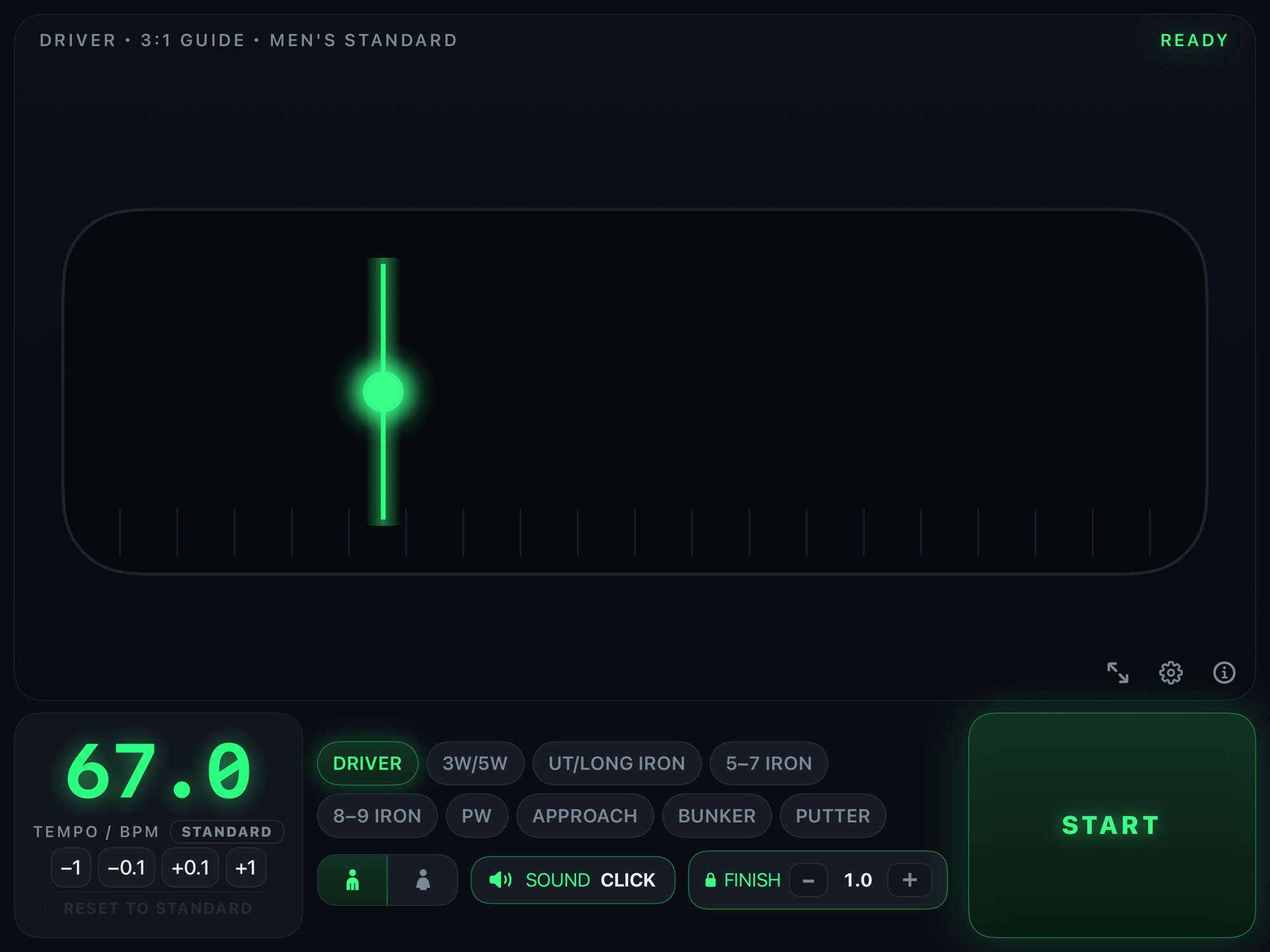
The light travels from address to the top, holds, then accelerates back through the marker at impact.
Light rests on the marker. The first count sets the address.
±2ms
Timing accuracy on every beat
9
Club presets, driver to putter
12
Count sounds
5
Short-game paces for approach and bunker
Read the tempo at a glance
Three counts mark address, takeaway and transition. Impact is the moment the light crosses the marker — no fourth beat to chase. The light bursts on every count, so the tempo is visible even with the sound off.
What you get
Presets from driver to putter, with men's and women's standard tempos. Approach and bunker shots offer five short-game paces.
A light meter with a comet trail, twelve count sounds — click, soft, bell, wood, dog, engine, a spoken cha-shu-men, piano, retro, clap, taiko and water — and haptics on every beat. Mute the sound and practise by feel alone.
Playback continues while the screen is locked or another app is in front, so the count stays with you between shots.
A companion app is in development: take the count as taps on your wrist, with the Digital Crown for tempo. We will announce the release once the date is set.
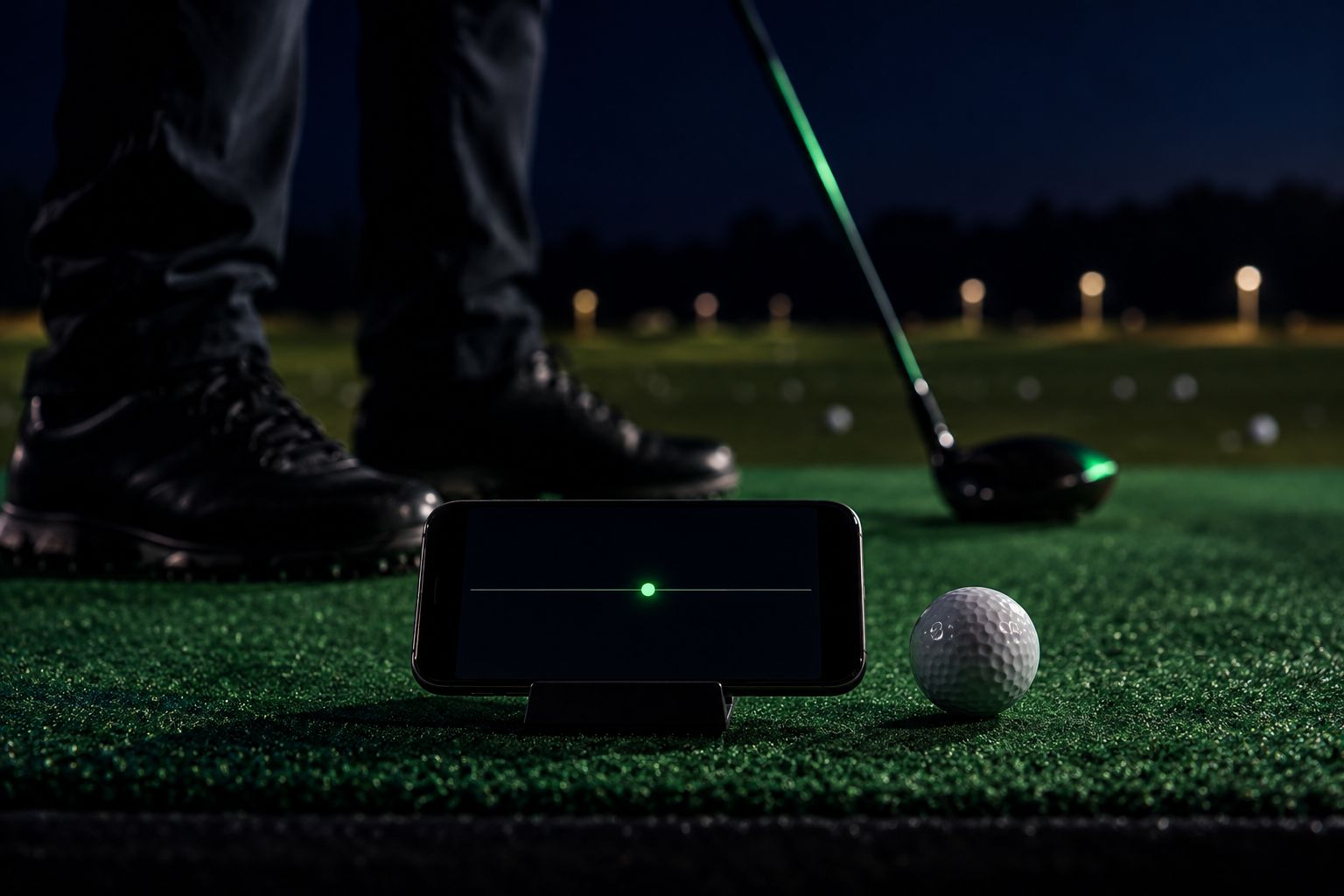
A full-screen meter with a large tempo readout, at maximum brightness with auto-lock disabled. Set the device down and read it from your address position.
Beats are scheduled against the audio clock, not a UI timer, holding jitter within ±2 ms so the rhythm never drifts.
The address marker starts at the usual ball position for each club, from off the lead heel for the driver to the middle of the stance for short irons. Drag the meter to move it to where your impact really is.
On approach, bunker and putter shots the light slows after impact and stops at a finish as wide as the backswing, the way a short swing mirrors itself. Full swings still fly through and leave the meter.
Ask Siri to “Start Golf Rhythm with Driver”, or start and stop from the Action button, Control Center or the Lock Screen (iOS 18 or later), without leaving your address.
Switch to a light screen with deep green type that stays readable in bright sunlight. The glowing dark theme remains the default.
Made for the bag, the mat and the desk
On iPad every control grows with the display rather than floating in a phone-sized island, and all nine clubs stay on screen. Controls meet Apple's minimum touch target throughout, and nothing important hides behind a horizontal scroll.
On the App Store
Swing with the light, train each club at its own pace, and set the phone down to practise hands-free. Everything you need to practise is free.
Free, with an optional upgrade
Download and practise
$0
One-time purchase
US$4.99
US App Store price shown. A one-time purchase with Family Sharing. Check the price for your region in the app before purchasing.
No advertising. No account. The app works without a network connection and collects no usage data.
Start practising for free. Upgrade to Pro in the app when you want to keep the settings you tuned.

Supported environment
iOS 17.0 or later
Portrait and landscape
Landscape recommended for practice
iPadOS 17.0 or later
All four orientations
Every control scales with the display
Planned for a later release
A watchOS companion app is in development
We will announce the date once it is set
Click, soft, bell, wood, dog, engine, cha-shu-men, piano, retro, clap, taiko, water
Played on the device, scheduled against the audio clock
Jitter held within ±2 ms
Siri and Shortcuts on iOS 17 or later
Action button, Control Center and Lock Screen on iOS 18 or later
Start and stop without leaving your address
English, Japanese, Spanish, French and Korean
Settings follow your device language
Practice screens stay in English, so the labels read the same everywhere
Not required
Every practice feature works offline
A connection is used only to buy or restore Pro
No data collected
No account, no tracking, no advertising
Settings stay on your device
VoiceOver and Dynamic Type
Contrast meets WCAG AA
No control hides behind a horizontal scroll
One non-consumable, purchased once
Family Sharing enabled
Restore Purchases in Settings
Questions
Support
Questions about the app, a bug to report, or a feature you would like to see — write to us. We read everything.
Or write directly to support@searedbonito.com